Free
$0
- An unlimited wardrobe
- Looks from Kai, and the chat
- Planner and wear statistics
- Community and stories
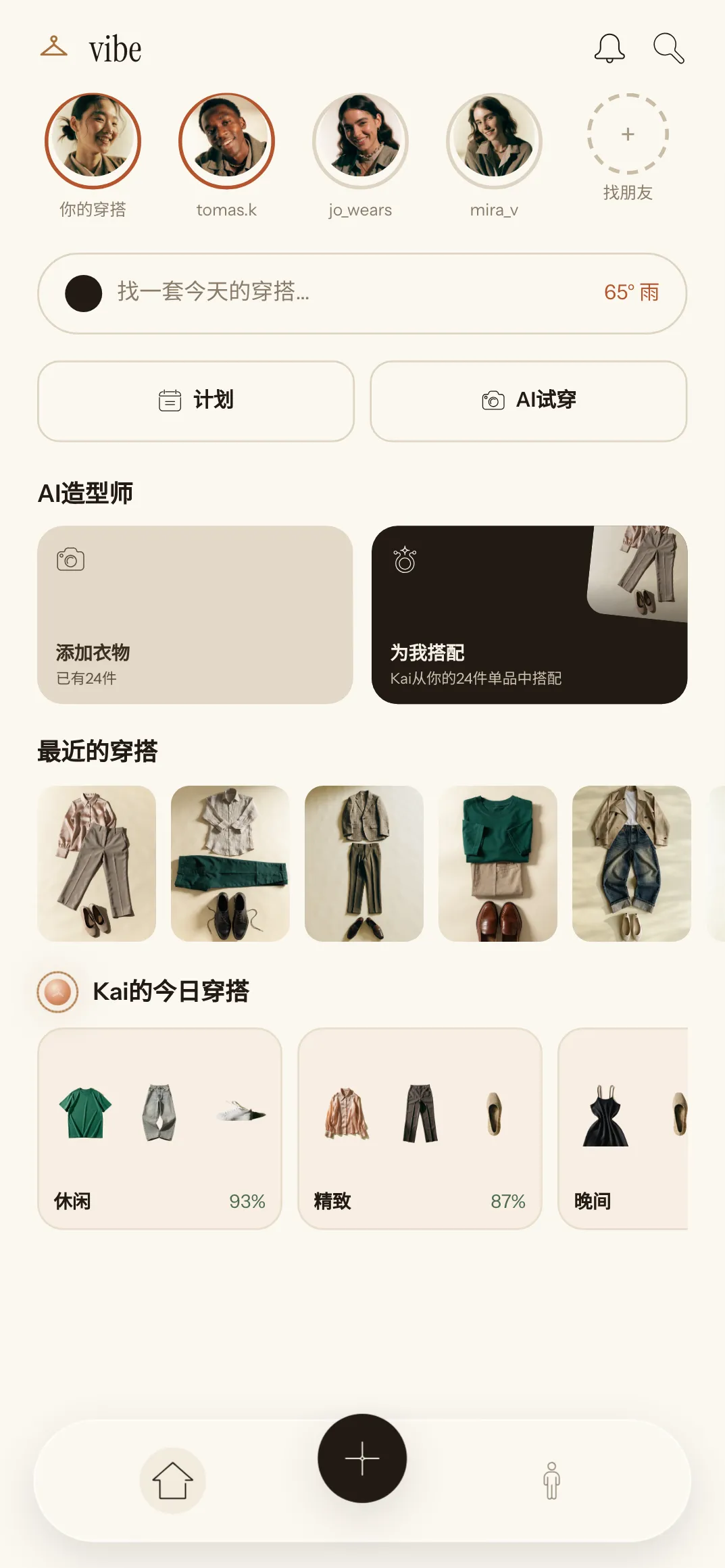
Vibe remembers every piece in your wardrobe and puts together a look each morning — for the weather, your plans and the clothes you actually wear.
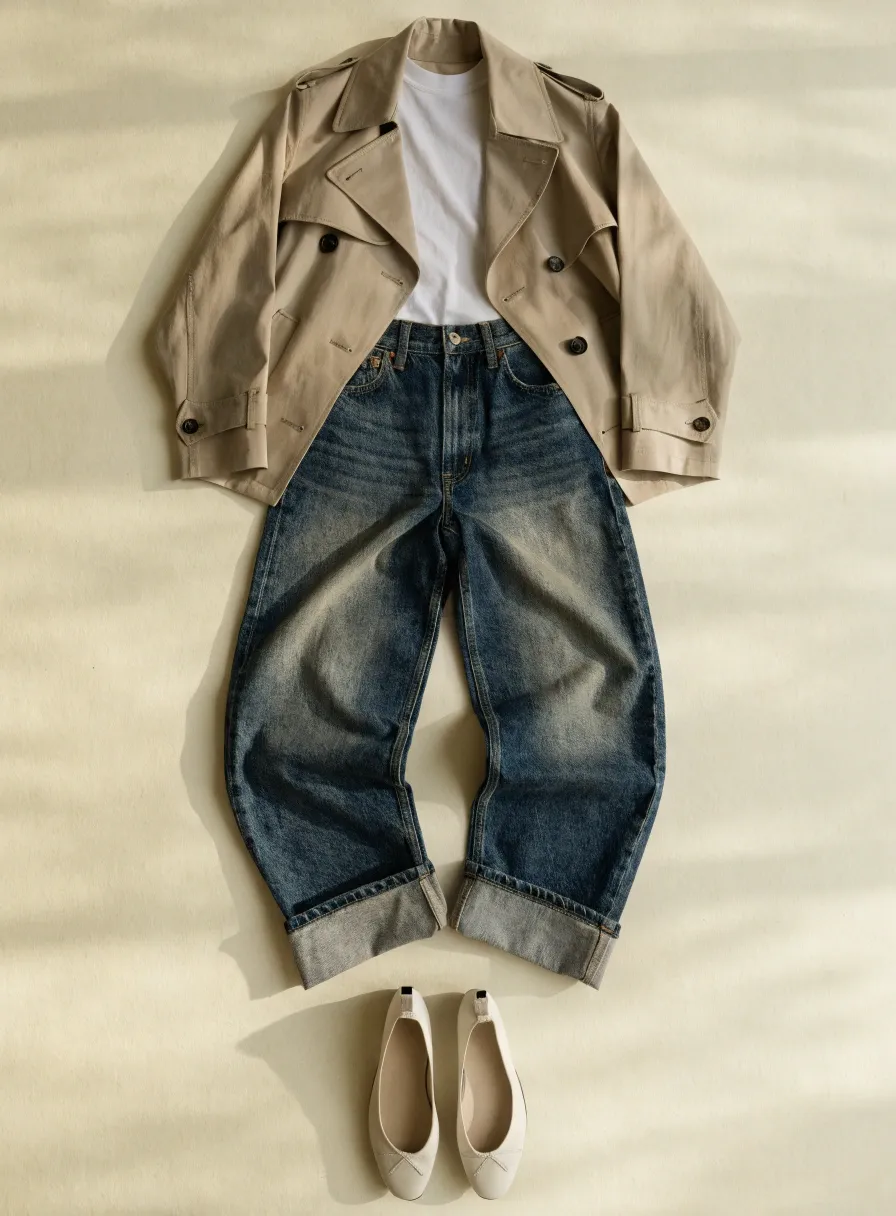
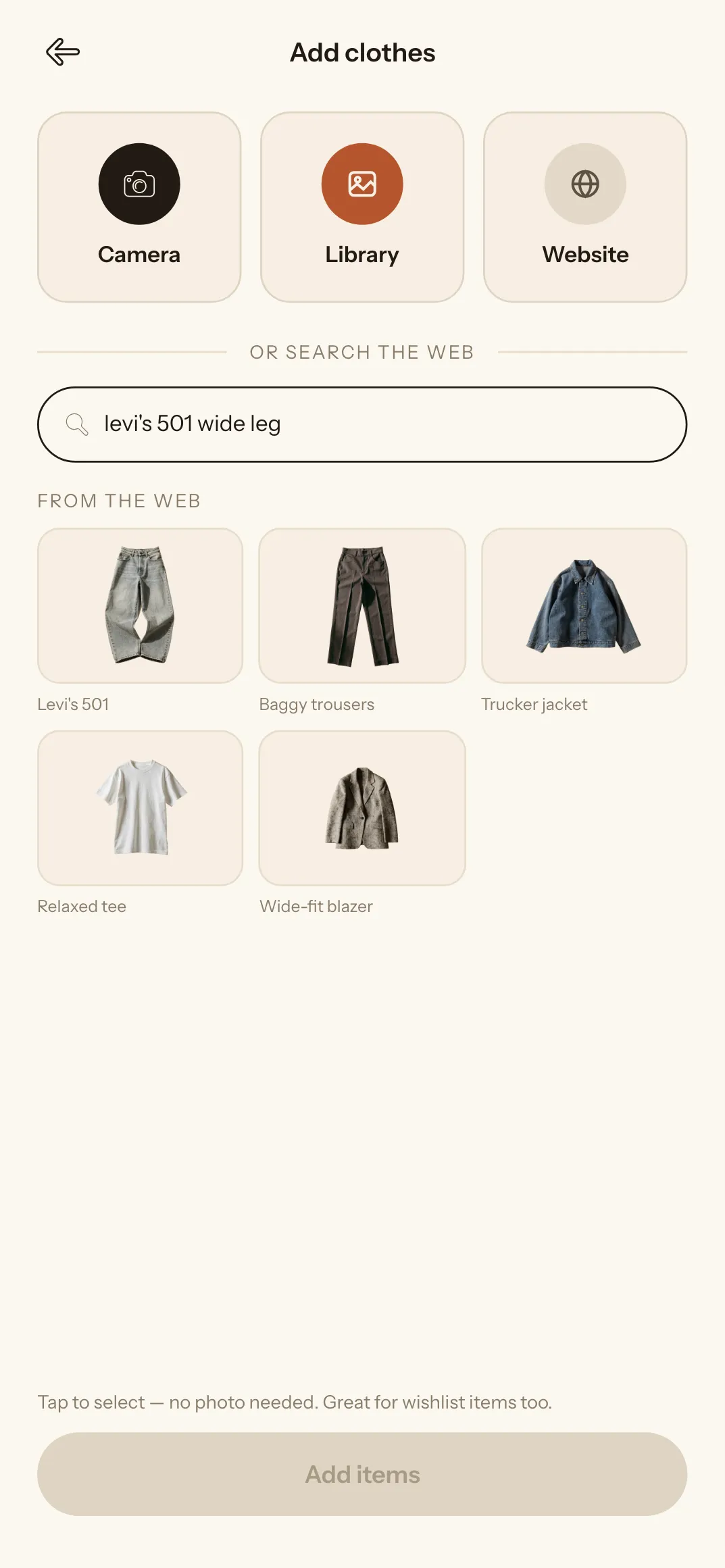
Three ways to add a piece. The app works out the rest.
The background is removed for you, and the category, colour, fabric and brand are read from the photo.
Open the shop inside the app and press the hanger — the piece is saved straight from the product page.
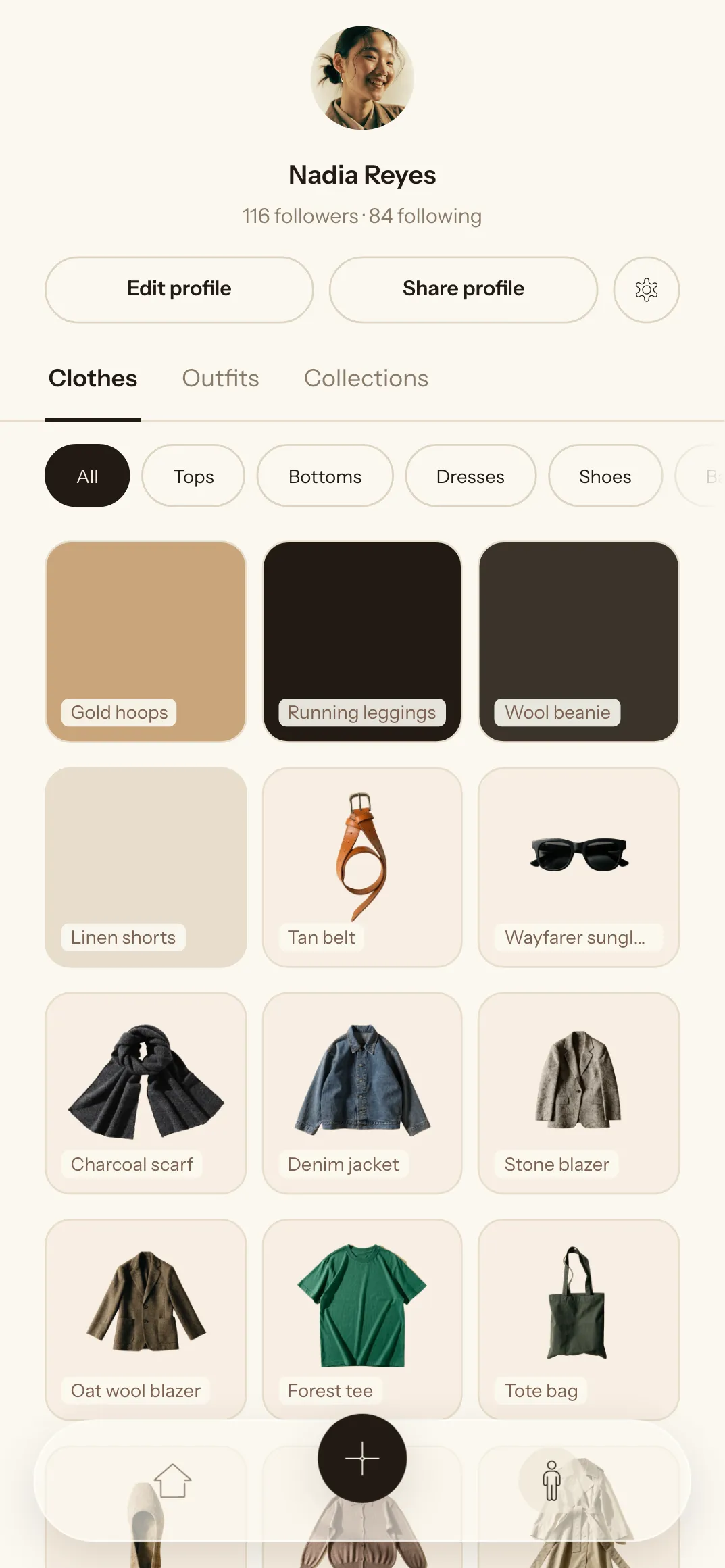
Capsules, seasons, a suitcase for a trip. Every piece remembers how often you have worn it.
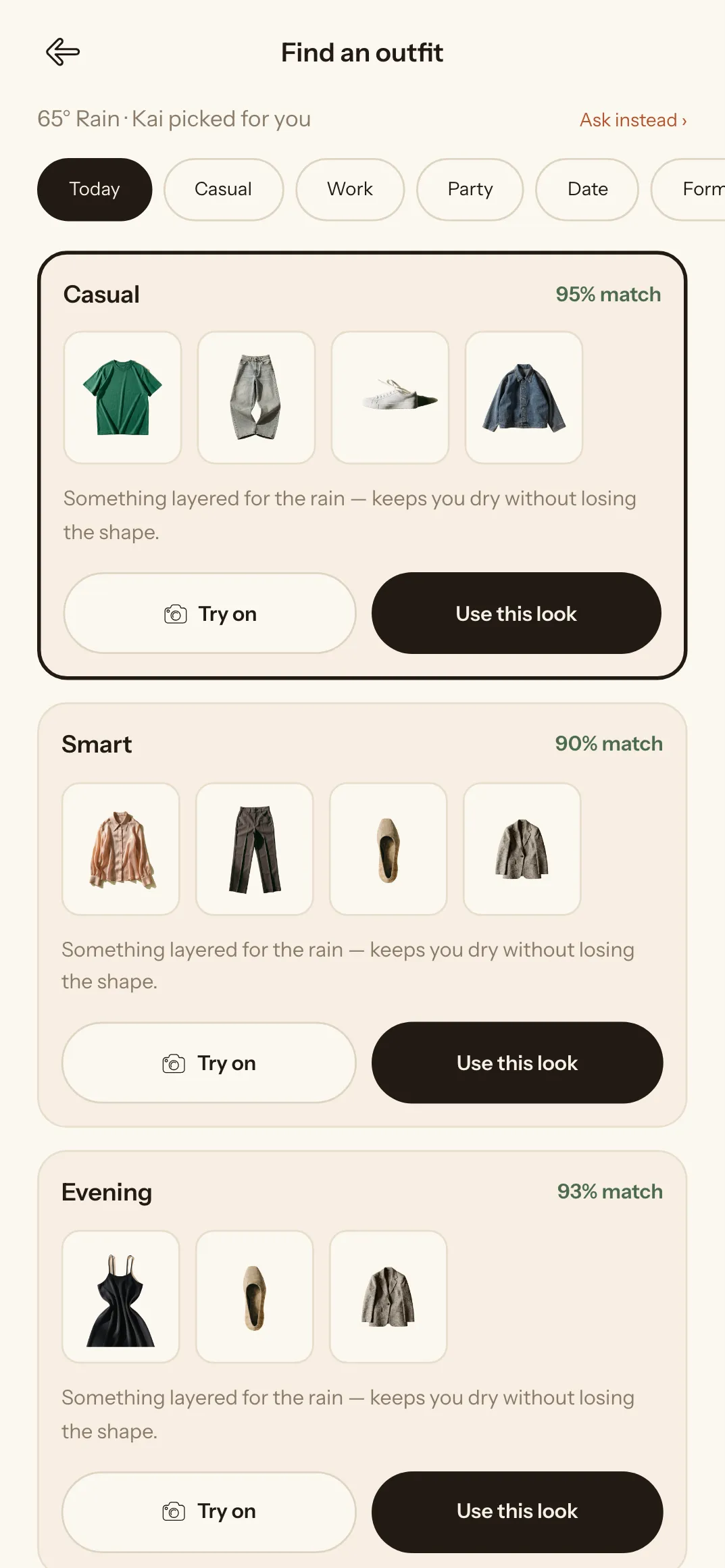
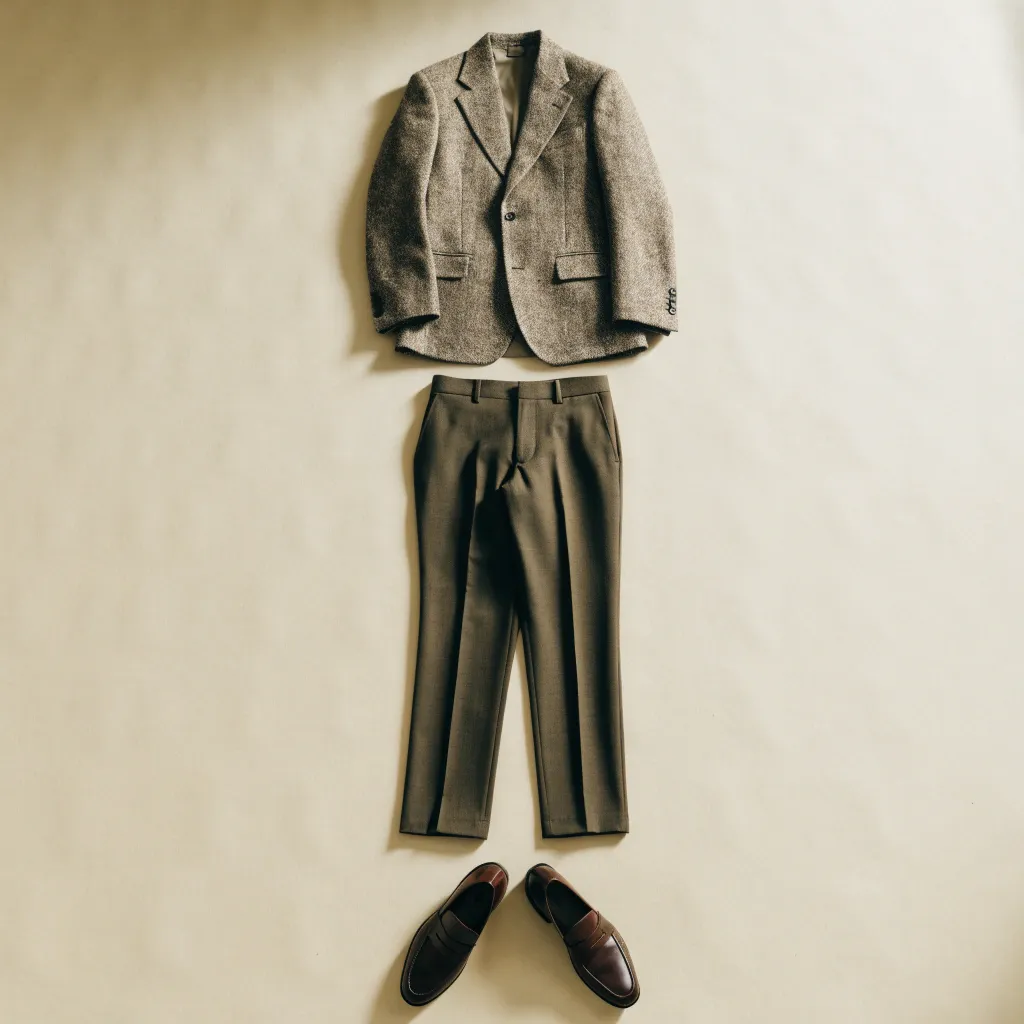
Not magazine advice, but real outfits from your own wardrobe — for the weather outside, the occasion, and the range you set yourself.
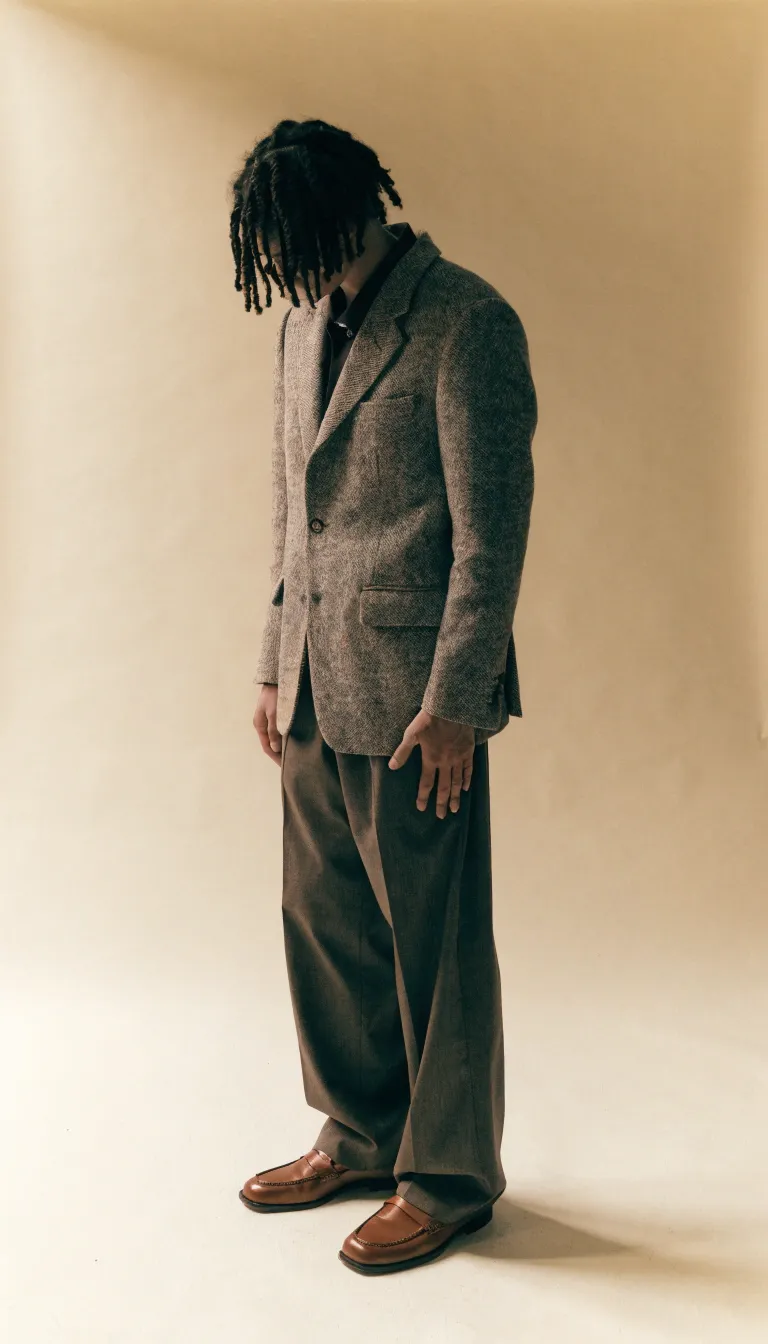
AI try-on puts the assembled look onto your own photo, so you see the fit and the combination before anything leaves the wardrobe.
Images are generated by Google Gemini from the photos of your own pieces.
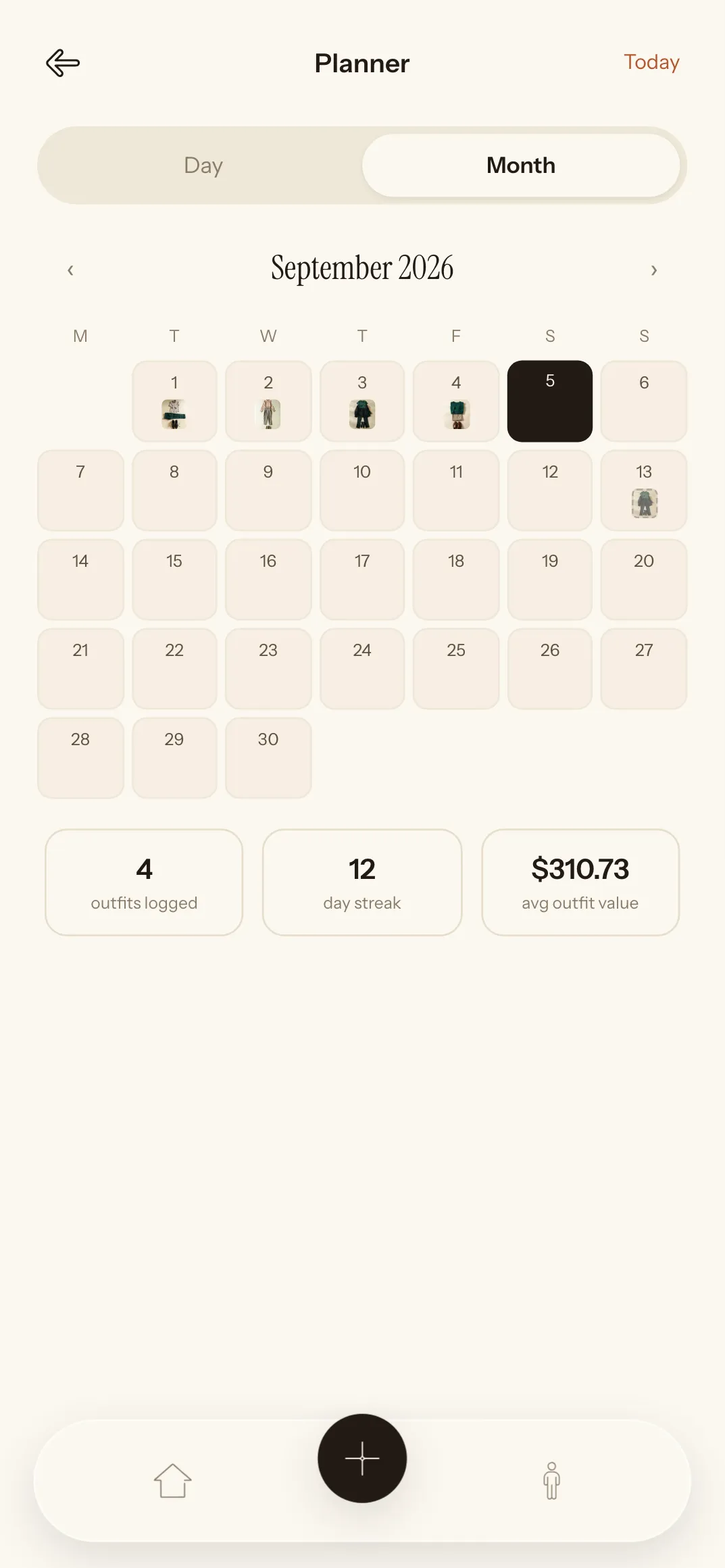
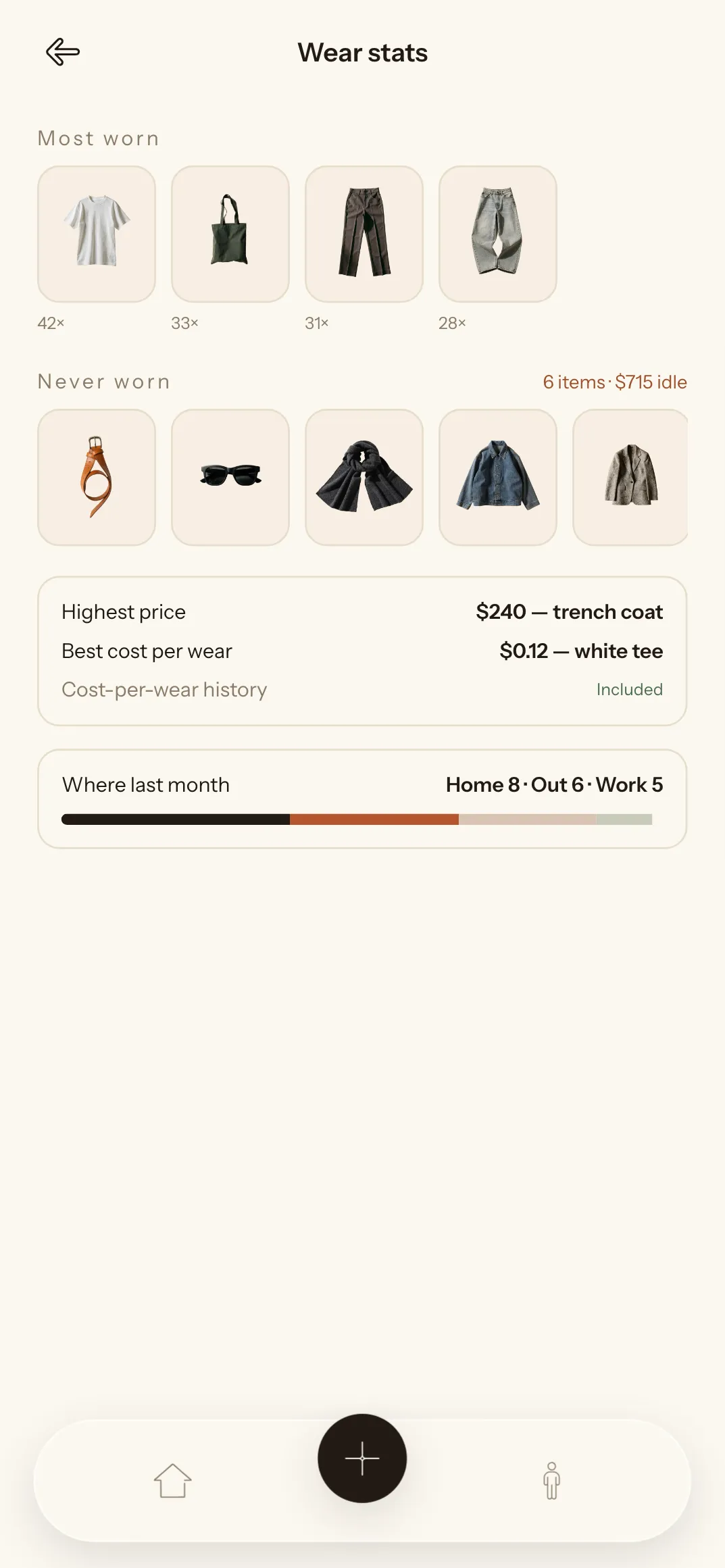
A look assigned to a date, a month at a glance, and honest numbers: what earns its place and what just hangs there.
Profiles, follows and stories that last a day. If you like someone's outfit, ask Kai to build something close from your own pieces.
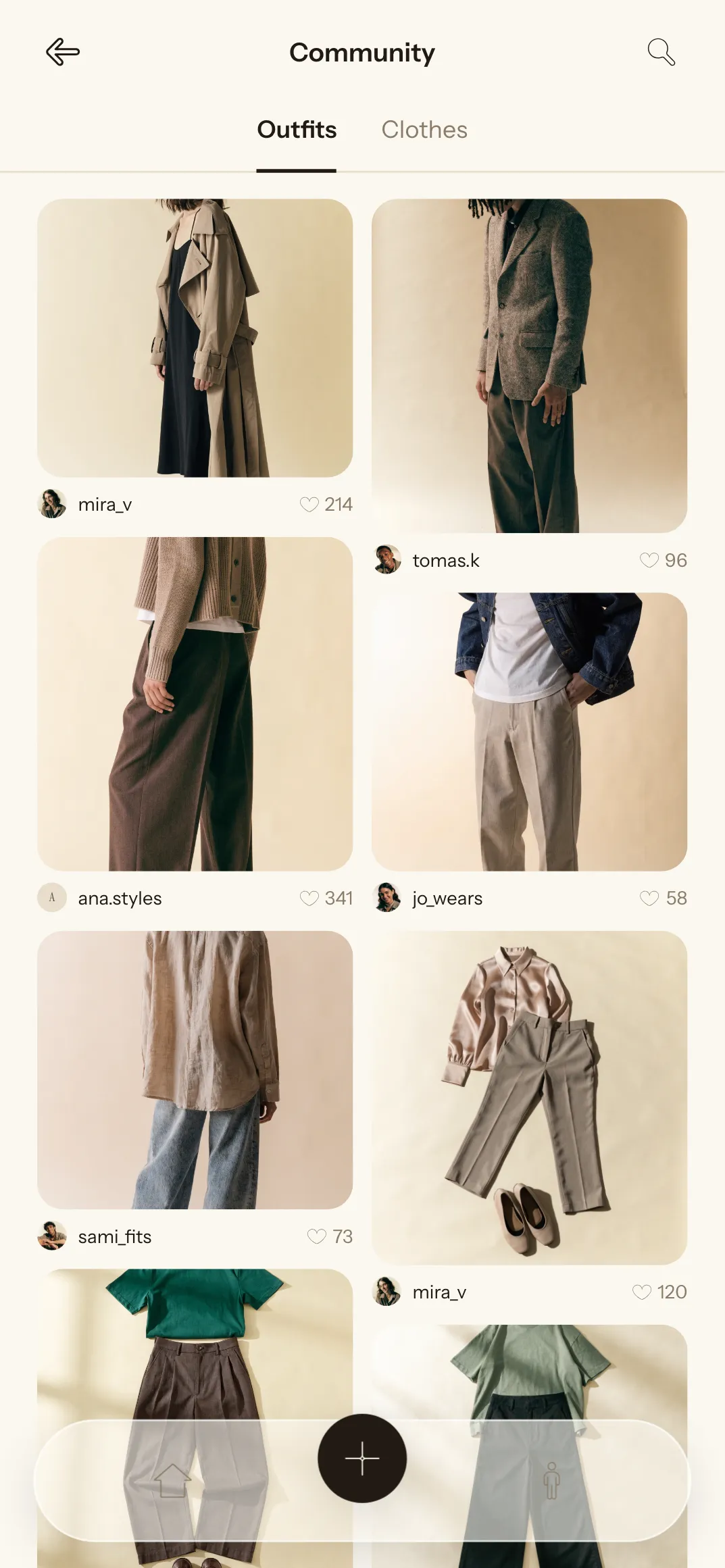
The interface, the stylist's replies, notifications and email all follow the language you set in your profile.
English
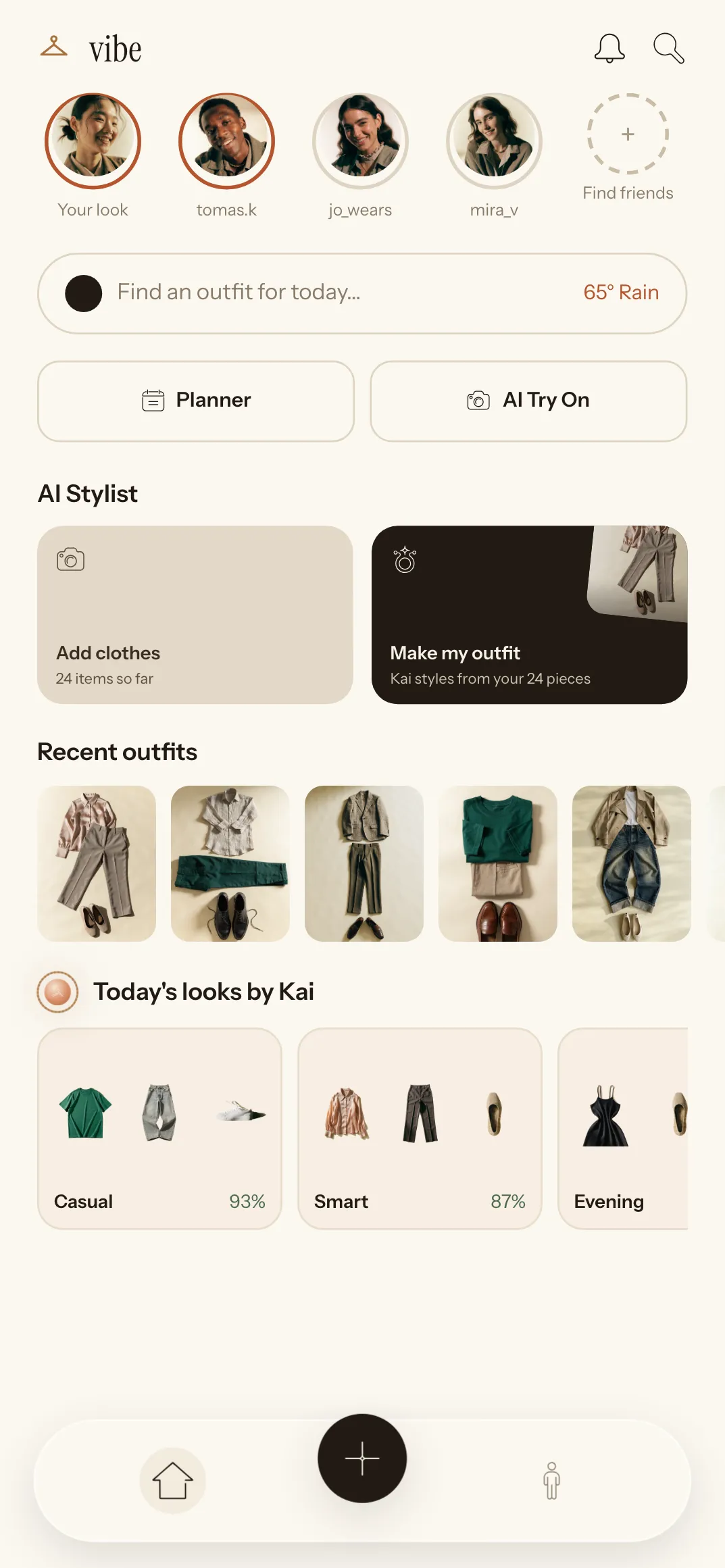
Русский
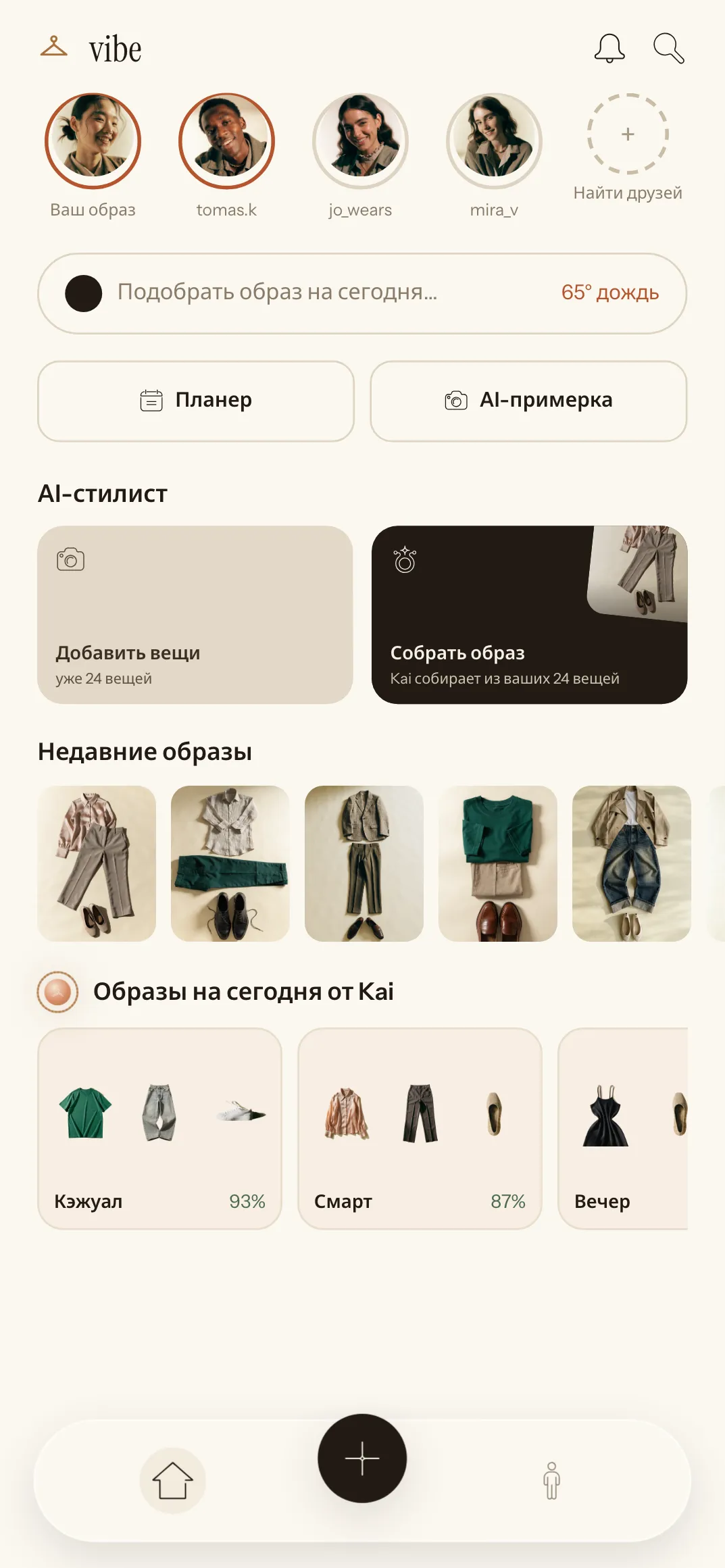
Oʻzbekcha
简体中文
The wardrobe, the looks and the planner cost nothing. The only thing worth paying for is generated imagery.
$0
$9.99 per month $59.99 per year
50% cheaper
First 7 days free
These prices come from the demo data — confirm them before launch. You can cancel in settings, and Pro stays until the end of the paid period.
No. The wardrobe, looks from Kai, the planner and the statistics are free, with no limit on how many pieces you add. A subscription only covers AI try-on and generated covers.
Photos of your clothes and your selfies are kept in your account and used to build looks and try-ons. Deleting your account in settings removes them along with the profile.
No. Vibe runs in your phone's browser and can be added to the home screen like any other app.
From the city you gave when you signed up. You can change it in profile settings.
Looks start coming together at around ten pieces, once there is a top, a bottom and shoes. The fuller the wardrobe, the better the suggestions.
Yes, in one step in settings. Pro stays available until the end of the period you have paid for.
Photograph the things you reach for most. Kai will put the first look together right away.
Open the app